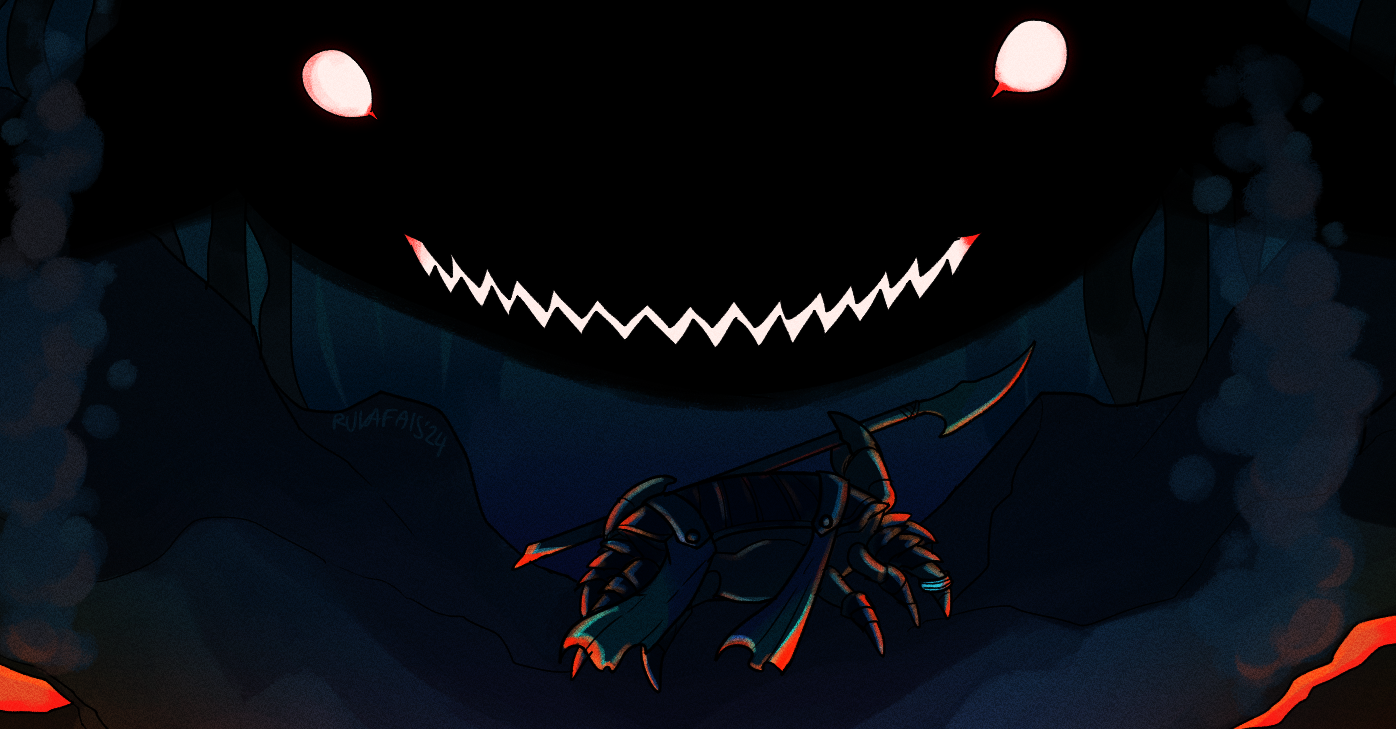
Crablike
A downloadable game
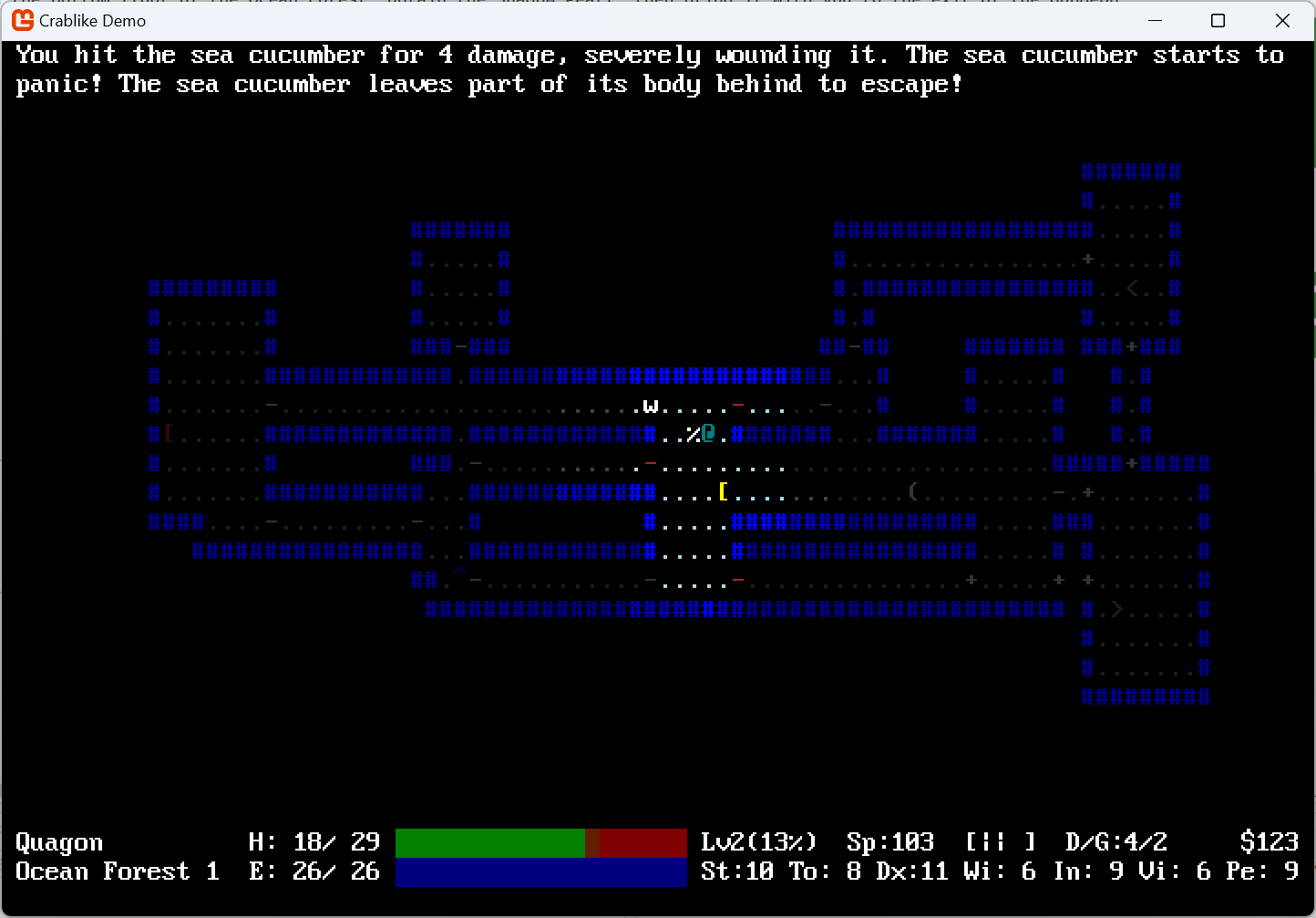
Crablike is a traditional dungeon-crawler roguelike, following in the footsteps of the original Rogue, where you play as a crab. The whole game takes place underwater, as you travel across the ocean to find the source of a mysterious corruption that is turning all sea life against each other. Do you have the cunning, strategy, and tenacity to survive in the hostile depths?
Of course you do. You're a crab. The pinnacle of evolution.
Features
- Procedurally-generated dungeon layouts
- Multiple towns and dungeons connected by an overarching ocean map
- Friendly NPCs who will aid you on your quest
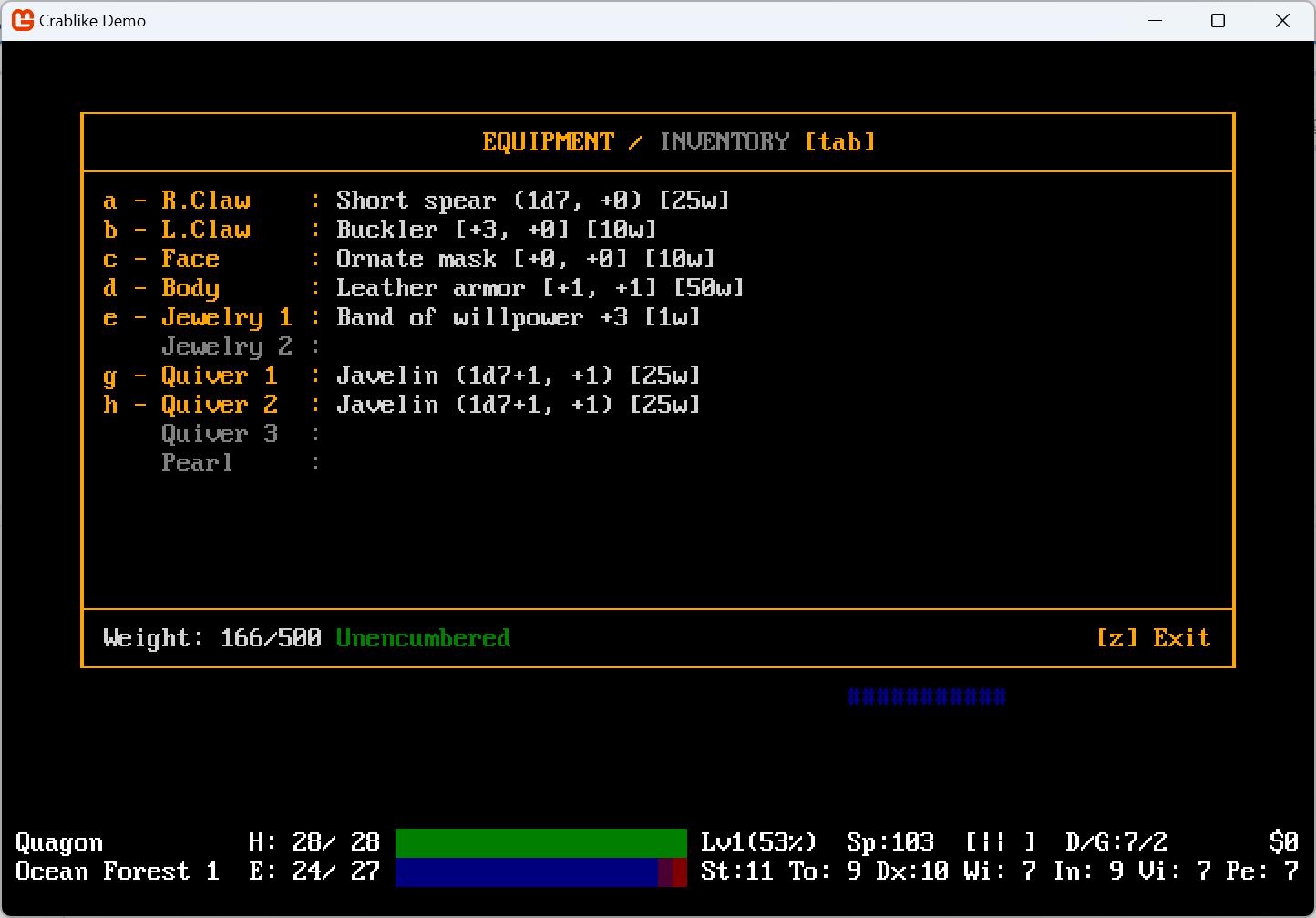
- Randomized equipment and items
- Five types of crabs to play as - guardian, berserker, spearfisher, aquamancer, and lurker
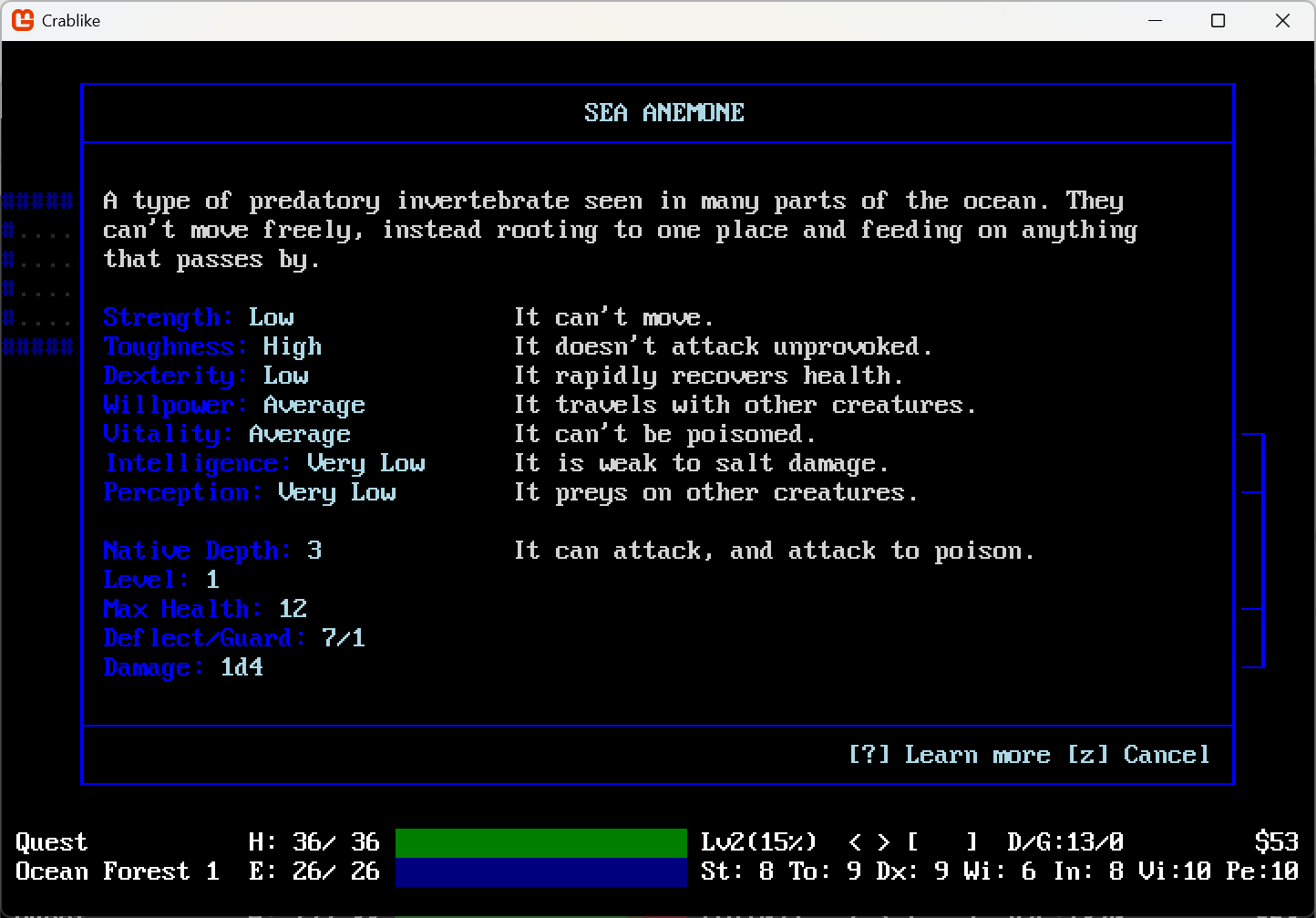
- A wide variety of sea creatures, some fantastical and some based in the real ocean
- Bizarre behaviors of real animals faithfully reproduced in the game
- Inscribe runes onto your shell to imbue it with special properties
- Molt your shell to increase your potential and gain new abilities
- Sea anemones and clownfish are friends
- Learn real fish facts
- Multiple endings
Take up your weapons, don your armor, and descend into the depths. If anyone can save the ocean, it's a crab with a big sword.
Most recent update: v1.1.0
- Added unique monster Eyeless, the Swordfish Saint.
- Fixed a bug where picking up items from very large piles could crash the game.
- Fixed a bug where you could select shop items that were off the bottom of the screen.
- Unidentified weapons and armor no longer tell you their detailed stats in the inventory screen.
- "Revive" now cures hunger.
- "Accept your fate" now warns reverted/revived players that it will delete your save.
Download
Install instructions
Extract zip file and run "Crablike.exe". Requires the .NET Desktop Runtime to play.
Comments
Log in with itch.io to leave a comment.
I encountered a crash in the following situation:
Drop 17 items in the same spot. Press 'g' to pick up. Since there are 17 items and the menu shows only 16, you need to press down to see the last item. After that, press any key from 'a' to 'p', and the game crashes.
There is also an issue in the shop inventory that, when the shop has lots of items, pressing keys from 'q' to 'z' selects items from the second page even though such letters are not assigned on the screen -- which is especially wrong for the 'z' key which is listed on the screen as the "exit" key.
And unidentified weapons and armor still display their damage/armor values in the 'i' screen sidebar.
I have enabled the cheat mode to reproduce the crash quickly, so I have some comments on the cheat system. "Revive" should probably fix starvation, and probably also poison/bleeding/etc. It might be good to display a warning if the player selects "accept your fate" when already cheating (especially that it deletes the save file -- another solution is to ask about this deletion).
Thanks for your patience and your detailed report! All of the issues you describe here should be fixed in the new v1.1.0.
Thanks for the fixes!
I have noticed that, in the selling interface, unidentified owned items still display additional information in their sidebars.
Also got another inventory-related crash (I do not remember exactly but it happened when trying to re-wear a mask after molting).
```
Unhandled exception. System.ArgumentOutOfRangeException: Index was out of range. Must be non-negative and less than the size of the collection. (Parameter 'index')
at System.Collections.Generic.List`1.get_Item(Int32 index)
at Crablike.Displays.InventoryScreen.RenderScreen() in C:\Users\User\source\repos\Crablike\Crablike\Displays\InventoryScreen.cs:line 636
at Crablike.Displays.InventoryScreen.ProcessKeyboard(Keyboard keyboard) in C:\Users\User\source\repos\Crablike\Crablike\Displays\InventoryScreen.cs:line 282
at SadConsole.Host.Game.SadConsoleGameComponent.Update(GameTime gameTime)
at Microsoft.Xna.Framework.Game.SortingFilteringCollection`1.ForEachFilteredItem[TUserData](Action`2 action, TUserData userData)
at Microsoft.Xna.Framework.Game.DoUpdate(GameTime gameTime)
at Microsoft.Xna.Framework.Game.Tick()
at Microsoft.Xna.Framework.SdlGamePlatform.RunLoop()
at Microsoft.Xna.Framework.Game.Run(GameRunBehavior runBehavior)
at Microsoft.Xna.Framework.Game.Run()
at SadConsole.Game.Run()
at Program.<Main>$(String[] args) in C:\Users\User\source\repos\Crablike\Crablike\Program.cs:line 14```
I have also noticed the following potential issues:
- "go to stairs" seems to path through unknown secret doors
- in DataFiles, I see a weapon corresponding to what the boss Ch. is wielding, so it appears that he should drop that weapon, but he does not
- it also seems that going to the entrance to the game after killing that boss should display a special message, but it did not do so for me
- I had no idea how to go through the gate in that boss room (I did go through it but I am not sure it was the indended way), and the following area seemed unwinnable without revive. The items that I think might be related are the "abyssal pearl" (which I had but it did not seem to do anything), and the aforementioned weapon (I see it gave resistance so maybe with two other quest items giving similar resistances it could make that area bearable)
- when I am killed by a monster while using a spiked shield, the game seems to display a message about the enemy being killed by the shield, and then a redundant message about me being killed, while revive shows that the enemy was not actually killed
what a fascinating game with immaculate vibes! unfortunately, it seems like the game does not support non-US keyboard layouts and several very important keys (such as ?, < and >) simply do not register on my nordic keyboard
i've confirmed that this is what's going on by forcing a US keyboard layout on my computer and the game works fine, so it seems to be with how the game handles keypresses
any chance this is something that could be addressed? i'd love to crab
Gah, this is unfortunate! The engine I use doesn't have support for alternate keyboard layouts, so I'd have to re-code the whole game to fix it cohesively. I've been adding alternate inputs as a workaround as I learn about them. Ctrl+M opens manual, Ctrl+L toggles lightpearl, but staircases is a new one.
I'll let you know next time I update, I'll add alternative keybinds for climbing. Sorry for the inconvenience!
thank you for the quick reply! i'll test some more later and edit this post to add any other keybinds that are problematic if i find any. I really appreciate this!
Also i can't start new game after i already finished one and don't exit game. After introduction message i had Congratulations screen.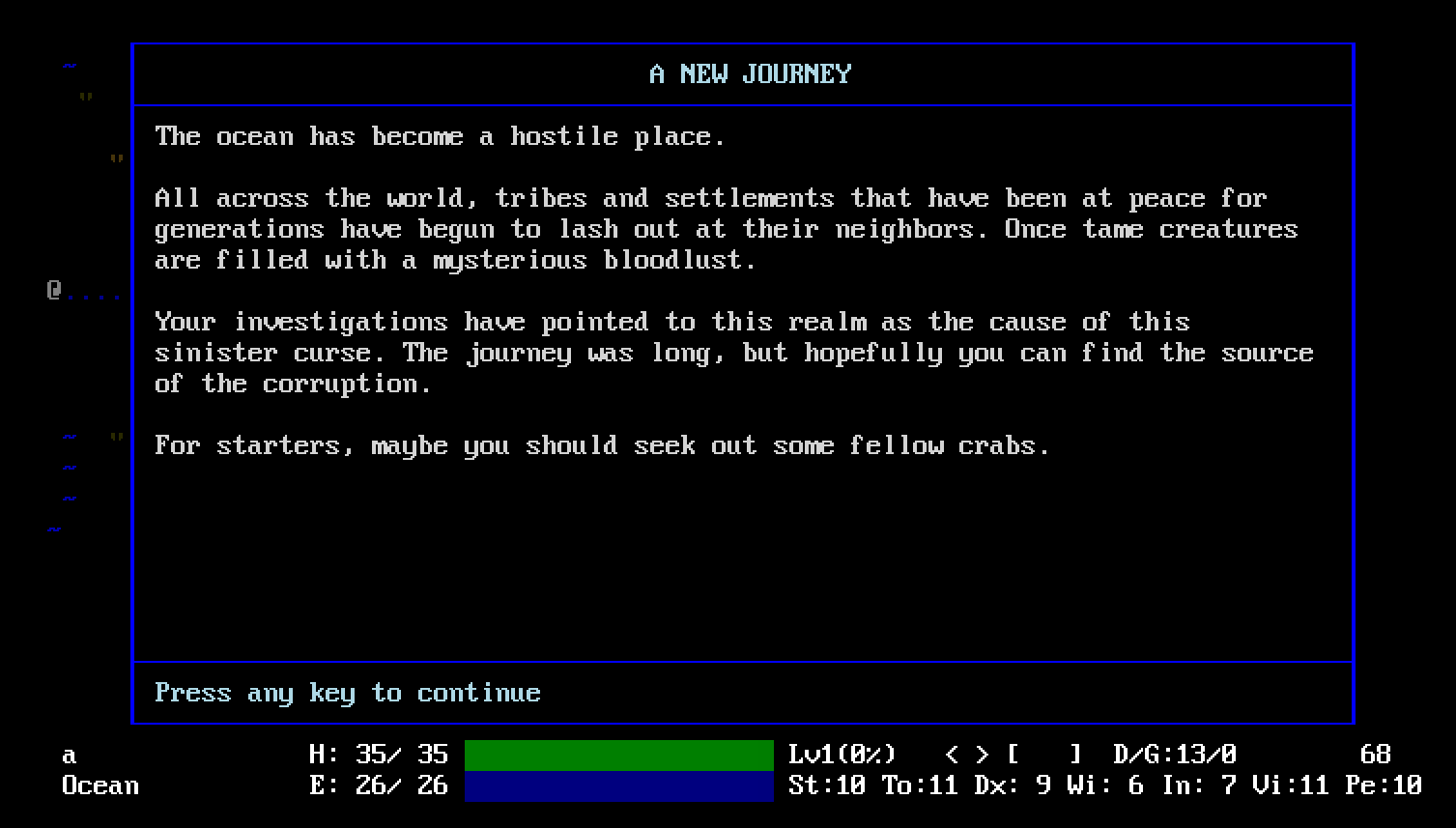
Its a bug.
Thanks for the report! Also, congratulations for being the first person I've heard from who actually completed my game. Thanks for sticking with it!
I've released version 1.0.9, which fixes both this issue and the drop 0 items bug.
Could it be that some dungeon layouts block progress or are there supposed to be other ways? I couldnt open this door, and there was no way to continue in the dungeon, which is usually handled with the bash command to trade a change to open the door in exchange for some HP, but that doesnt seem to work here either. (searching for hidden doors didnt lead to hiddne doors)
And there is no way to save and quit, right?
When you say bash didn't work, what do you mean? Did it say "You bash the door, but it holds!"? If so, perseverance should eventually break it down.
You can save and quit with ctrl+S.
Yeah, I bashed it several dozen times, but if it should be working at some point, that helps to know, thanks! :)
Also, the menu with the commands doesnt seem to open for me, which control is that set to?
It's [?], on QWERTY that's shift+[/]. If you're on a non-qwerty keyboard, Ctrl+M is an alternate input for it.
Hi! Great game. You have a bug with dropping 0 items.
Thanks! Can you clarify this a bit? What kind of item was it? Did it drop from an enemy or spawn on the dungeon floor? Where did it happen? Et cetera.
Just drop stack of items and set number to zero. Then you can use this item and counter will be incremented negative (for example travel rations). Don't check them == 0. Check stacks numbers for <= 0.
OH, good catch! I'll fix that in the next update.
Just stumbled upon this roguelike and was wondering if there is a way to download older versions?
Hello! I'm afraid the older versions aren't available at the moment, and I'm not sure how itchio pages generally organize multiple versions of a game. Just for posterity, though, here's the very buggy initial release version.
Thanks for supplying a link to that download. I try to collect and archive roguelikes when I find them on an external harddrive, sort of like a gaming library and history of roguelikes past and present. If by chance you could upload previous versions from 1.0 onward to a mediafire folder, I would be very grateful, if not no worries.
Sure, I don't see why not. Here's all past versions, plus a number of pre-release builds for fun. No guarantees on quality or even completability.
That is awesome, thank you so much for doing that!
Pretty cool little rogue-like, I enjoyed it. All but the last floor was pretty easy and I beat it on my first try but that makes sense if this is just a little first couple floors demo. The abyssal priest guy was difficult and I felt he was pretty well balanced. I also liked the hag fish's slow down goo attack, that was cool.
I never got an item with a bad effect, which is interesting for a game with an identification system, though maybe I just didn't chug enough potions. I did get a charm of teleportation which I guess could have been dangerous if I had first used it at a base time.
Keep at it, could be really good if you keep playing into unique mechanics like with the hag fish or the star fish which I think could split on death.
I finished with 2072 points.
Thanks for playing! You are correct in that I balanced it pretty easy on purpose, due to this just being the first dungeon.
There definitely are bad items - you just got lucky. I'll probably make the ratio overall meaner in the final game.